How to deindex pages generated by the faceted navigation module?
To exclude the relevant filtered pages from indexing, open the module configuration and select the Modules tab. Select the shop and language to manage. On the Faceted search row, check NoIndex, then save.
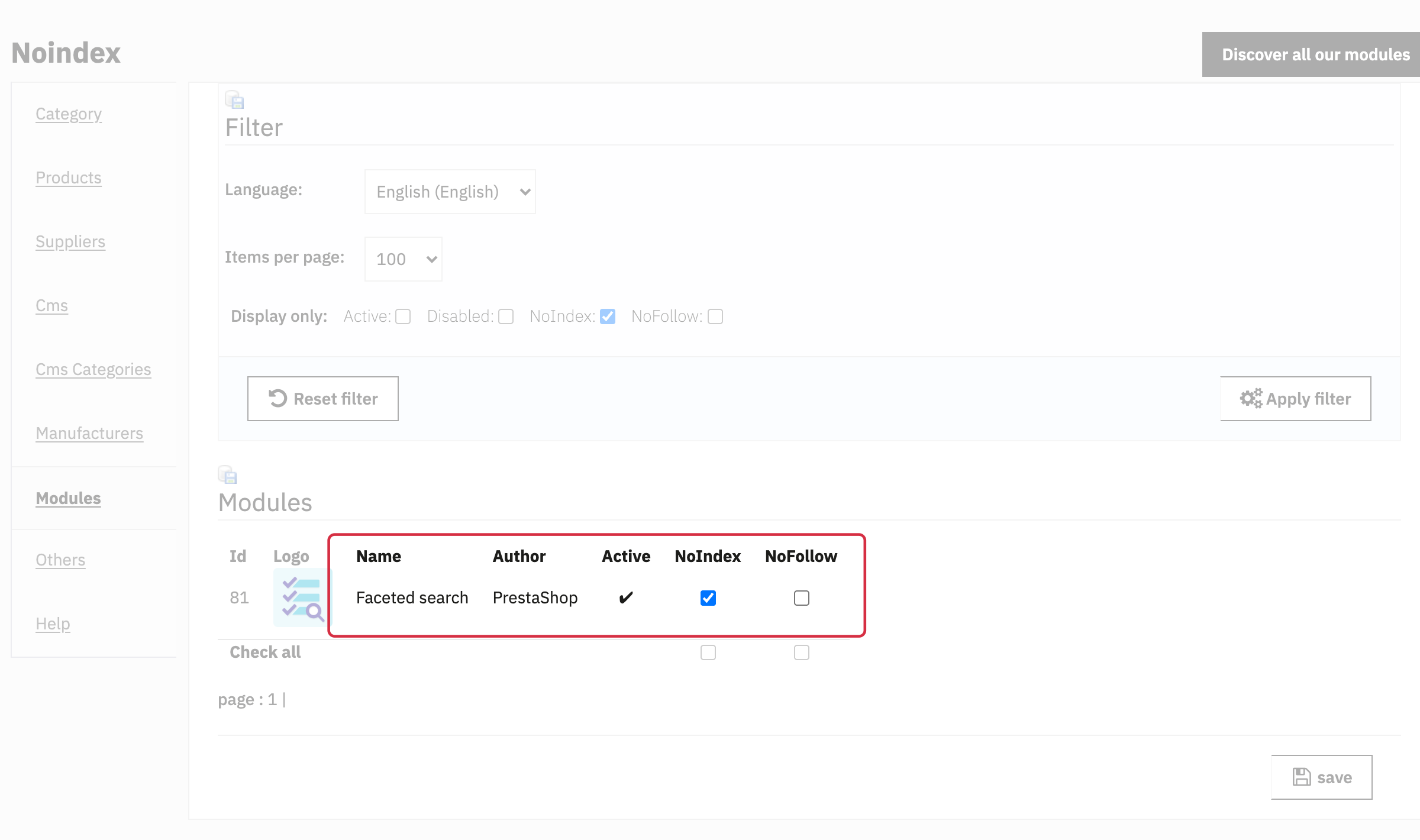
The screenshot filters the list to rows already checked NoIndex to make the relevant row easier to locate. If the row is missing from your list, remove that filter or check subsequent pages.
NoFollow is a separate setting: you do not need to check it to request that the page be excluded from indexing.
For the native ps_facetedsearch module, this rule targets the category controller when q (filters) or order (sorting) has a value recognised by the module. Empty values and 0 do not trigger this detection. A URL containing only page=2 remains subject to the category rules unless a separate argument rule also applies. Do not assume that every URL generated by another filtering module is covered.
After selecting a filter, reload the complete filtered URL or open it in a new tab before checking its robots tag. An AJAX product update can change the address without refreshing the tag of the already-open page. Check that URL and its unfiltered version using the noindex verification procedure. The delivered HTML also depends on your theme and other SEO modules.
Important: noindex requests exclusion from search results; it does not block crawling. Google must be able to access the page to read this directive. To manage the volume of crawled URLs, consult Google’s faceted navigation recommendations separately.
A general URL argument rule can also affect these pages. See how argument rules work and compare the HTML of the filtered page with that of the unfiltered category.