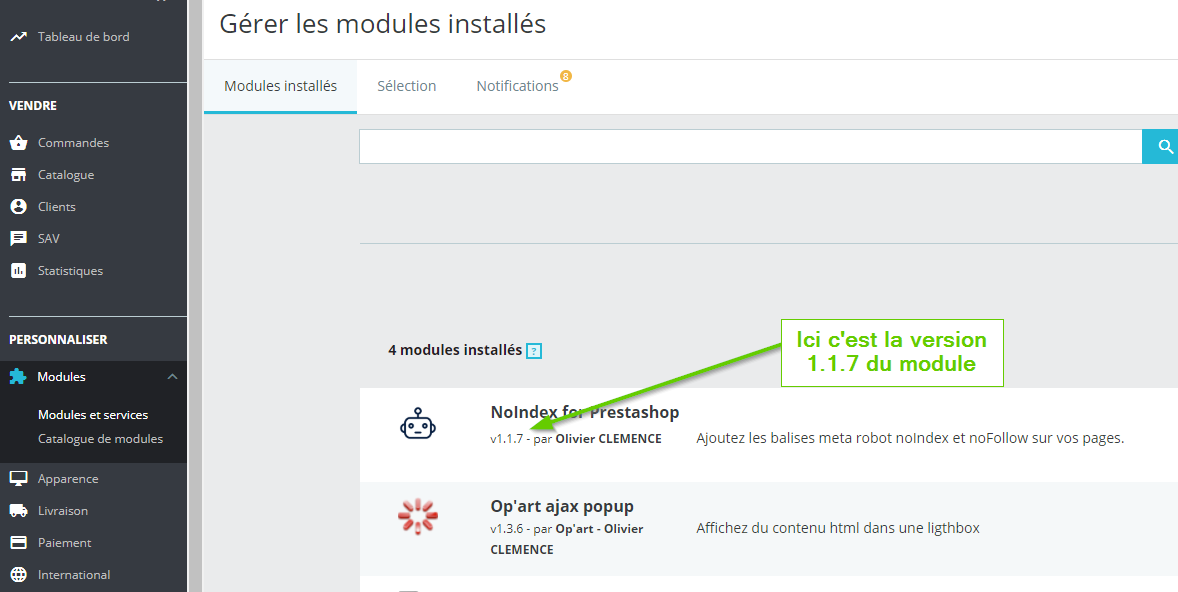
How to find your module's version number
Here is how to find your module's version number.
- Go to "Modules" then "Modules and Services"
- Click on the "Installed modules" tab
- Locate the module whose version number you need in the list.
- The version number appears below or next to the module name and is preceded by the letter V.