I don't see my module in the list
If you cannot find the module in the module list, it may be because you have activated a filter or because you are in a specific module category.
Make sure you have no filters activated.
On the page listing modules, ensure that "Filter by" is set to "Installed and not installed" and "Enabled & disabled".

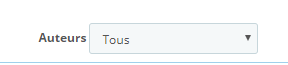
Also ensure that the "Authors" field is set to "All".
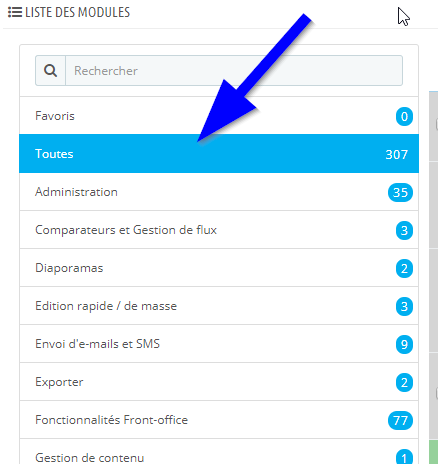
Ensure you are in the "all" category
If you are using Prestashop 1.7
Prestashop 1.7.1.2 does not allow displaying modules that are neither enabled nor installed, which is why you do not see it.
To find your module, simply type its name in the search field when you are on the modules page.