I created my block but I can't find it in the list
When you create a new block using the multi HTML block module, you are actually creating a module.
If you do not see it appearing in the module list, you can follow the instructions below to find it.
I don't see my module in the list
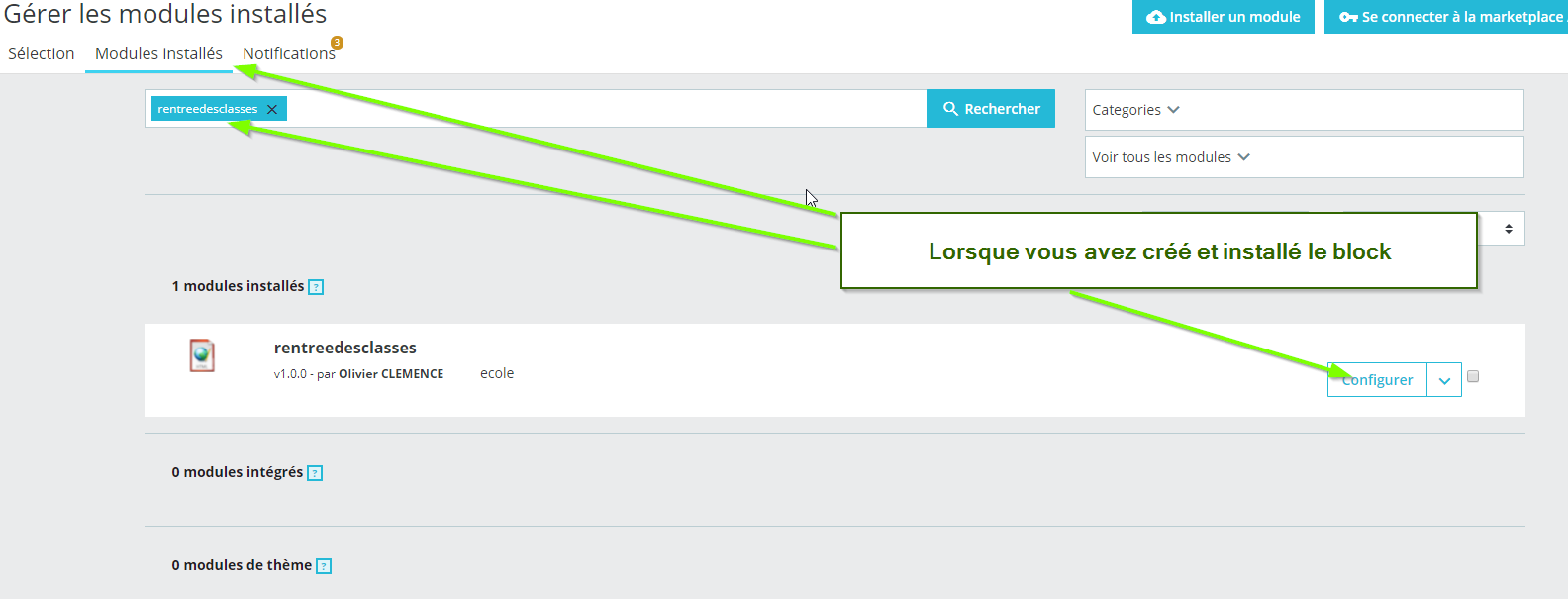
On Prestashop 1.7, you may need to search for your block by typing its exact name in the search field for modules in the "Selection" tab.
You can also type "multihtmlblock" to find all the blocks you created with the module.

Finally, if you are looking for a block you have already created and installed, you will need to search for it in the "Installed modules" tab.