How to change the quote logo?
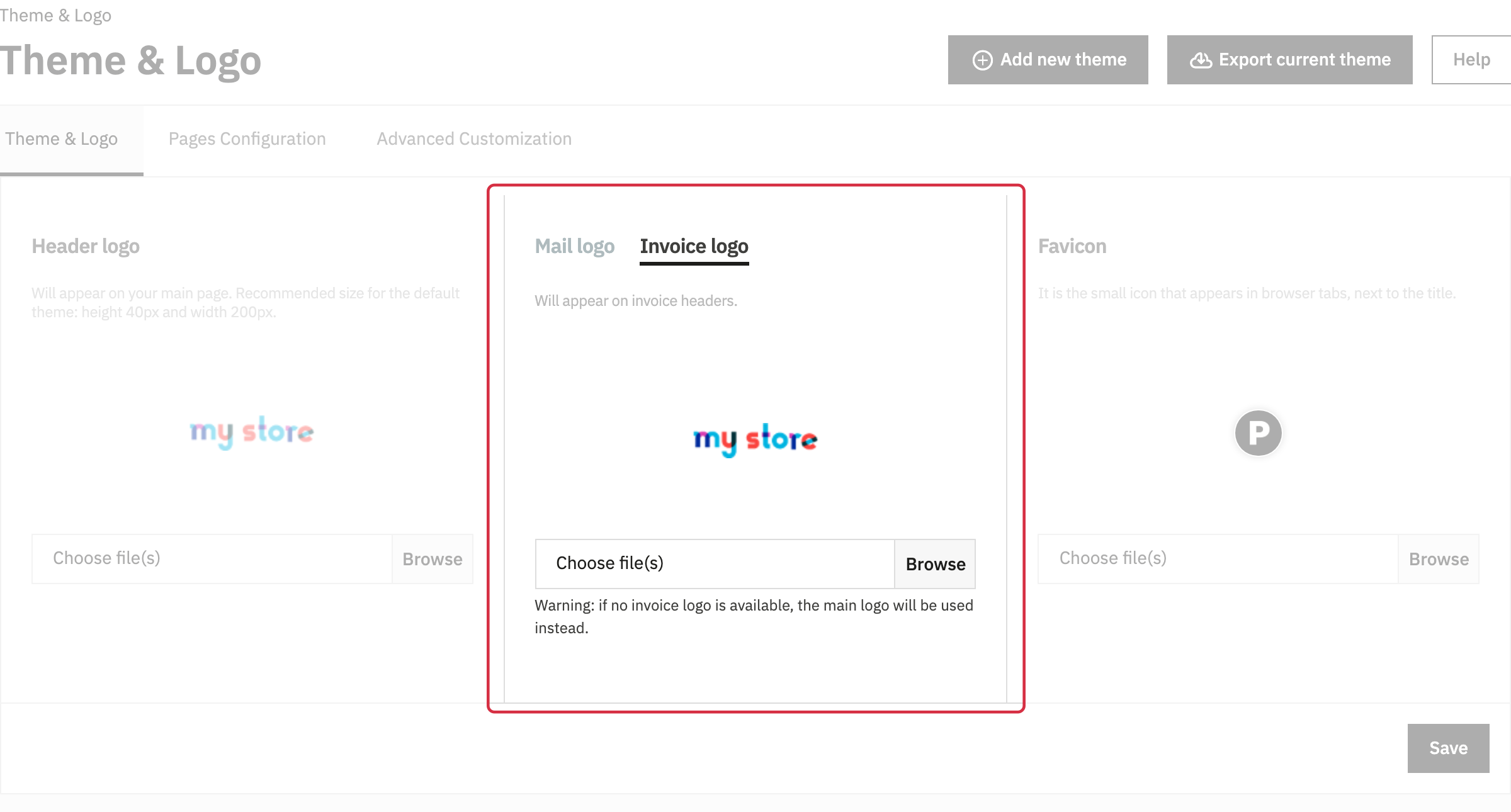
Quotes use your shop’s invoice logo. If no valid invoice logo is defined, PrestaShop uses the main shop logo.
In Design > Theme & Logo, open the logo settings and change the invoice logo. Save, then download a quote again to check the result.
In multistore mode, make sure you are editing the logo for the relevant shop.
Other FAQs in this category
- The module's buttons do not display as I wish
- I get an error message when trying to send the quotation by email from the back office.
- Emails are not being sent
- How do I modify the quotation PDFs?
- How to translate the module texts?
- Does the quote module adapt to my shop's theme?
- Can you help me adapt the module to my shop's theme?
- I don't see all carriers, why?