How to translate the module texts?
- Open International > Translations.
- Select Installed modules translations, the opartdevis module and the language to edit, then click Modify.
- Expand the section containing the expression and edit its translation. Preserve variables such as
%d,%sand numbered placeholders. - Save, then reload the page or regenerate the PDF in that language.
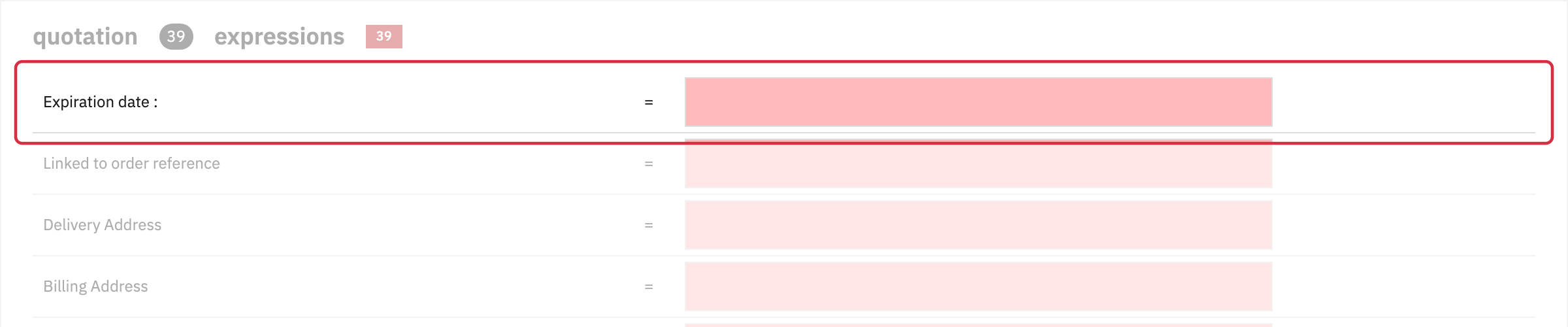
The quotation section includes Expiration date : and labels in the PDF body. The Quotation and Pro forma titles are in HTMLTemplateQuotationPdf, so PDF expressions are not all in one section.
The screenshot shows the source expression Expiration date :. English is the source language: blank translation fields do not mean that the English PDF will be blank. Text entered in module settings, such as validation text, is edited in those multilingual fields. For emails, see email templates.
Other FAQs in this category
- The module's buttons do not display as I wish
- I get an error message when trying to send the quotation by email from the back office.
- Emails are not being sent
- How do I modify the quotation PDFs?
- Does the quote module adapt to my shop's theme?
- Can you help me adapt the module to my shop's theme?
- I don't see all carriers, why?
- How to change the quote logo?