How to remove links from the left column?
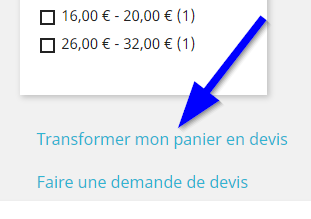
To remove the links that appear in the left column.
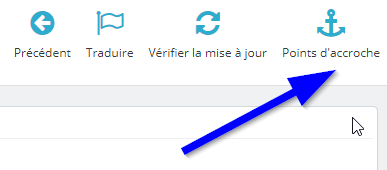
Simply go to the module configuration and click on the "Hooks" button.
Then unhook the module from the "column left" hook

Other FAQs in this category
- Is it possible to add out-of-stock products to the quote?
- Is it possible to modify the quotation numbers?
- Carriers and/or the customer list do not load
- Why does the expiration date not appear on the PDF?
- Is it possible to add text that will appear on all PDFs?
- How to remove the module from the payment page?
- Can the module be restricted to a customer group?